
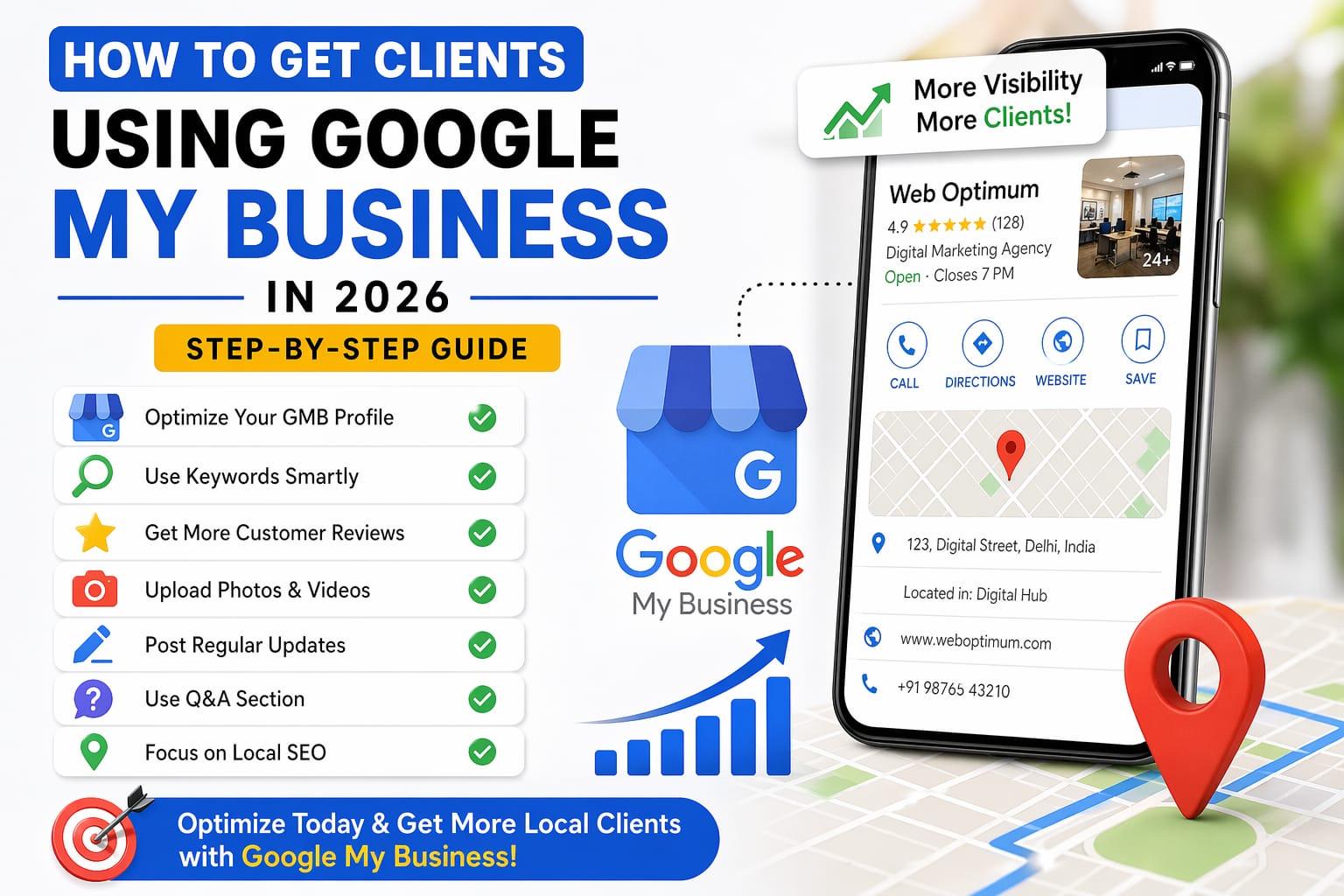
How to Get Clients Using Google My Business In 2006
Nowadays, acquiring clients through the net goes beyond just running ads not anyone can timely afford. A google business profile is one of the strongest, word-of-mouth, driving local customers free and highly effective means of promotion instantly accessible to practically all.
If your business account lacks optimization then you are unknowingly losing leads on a daily basis from clients in your neighborhood who are actively looking for your type of service. This step-by-step guide will teach you how to optimize your Google profile and start getting real clients.
✅ 1. Optimize Your Business Profile
Make sure your business name, address, phone number, and category are accurate. Add a clear business description using relevant keywords so that your profile appears in the right searches.
🔑 2. Use Keywords Smartly
Include important keywords like your services and location in your profile description and posts. This helps your business rank higher when people search on Google.
⭐ 3. Get More Customer Reviews
Reviews are one of the biggest ranking factors. Ask your happy clients to leave positive reviews and always reply to them professionally.
📸 4. Upload Photos & Videos
Regularly upload high-quality images of your work, office, and team. This builds trust and increases engagement on your profile.
📝 5. Post Regular Updates
Just like social media, you should post updates, offers, and information regularly to keep your profile active.
❓ 6. Use Q&A Section
Answer common customer questions in advance. This saves time and improves customer experience.
📍 7. Focus on Local SEO
Use location-based keywords and ensure your business is listed in the correct area. This helps you appear in Google Maps results.
🚀 Conclusion
Optimizing your Google Business Profile is one of the easiest and most effective ways to generate local leads without spending money on ads.
If done correctly, it can bring you consistent clients every month.